

In the realm of AI-assisted design and development, there is a demonstration that truly stands out: sketch a few boxes and arrows on a whiteboard, label them "this is a button" and "this is an input field," and watch as AI directly generates real, runnable web code—not just an image, but clickable, interactive code. Makereal achieves exactly this.
What is Makereal?
Makereal (makereal.tldraw.com) is an AI feature built on the Tldraw online whiteboard tool. It allows users to hand-draw UI sketches on a whiteboard and then uses AI (GPT-4V) to convert those sketches into actual, runnable HTML/CSS/JavaScript code, generating interactive interfaces directly in the browser.
Tldraw itself is an open-source whiteboard/drawing tool, similar to Excalidraw, supporting both web-based and self-hosted deployments. Makereal adds AI conversion capabilities on top of Tldraw, leveraging multimodal AI (models capable of understanding image content) to transform hand-drawn interfaces into code.
How to Use It
The workflow is straightforward:
- Draw your desired interface sketch on the Tldraw canvas—use lines for borders, add text labels, and mark buttons, forms, image placeholders, etc.
- Select the sketch area.
- Click the "Make Real" button.
- AI analyzes the sketch and generates corresponding HTML/CSS/JavaScript code.
- Preview the interactive interface in real-time on the right side of the page.
The output is not just a screenshot, but actual running web code: you can click buttons, fill out forms, and see interactive effects.
You can also continue to modify existing results—adjust the original sketch, click "Make Real" again, and let AI update the code for iterative design.
Practical Application Scenarios
Rapid UI Prototyping
This is Makereal’s most direct value: if you suddenly have an interface idea during a meeting, sketch it on a whiteboard, and within seconds, you have a demonstrable prototype. There’s no need to open Figma or write code; you get something clickable to show immediately.
For product managers and designers creating rapid prototypes during requirement discussions, Makereal’s efficiency far surpasses traditional methods.
Design Exploration and Iteration
During the concept exploration phase, quickly generate multiple layout options to visually assess their actual effects, aiding design decisions. This is significantly faster than repeatedly tweaking design files or writing code.
Technical Demos and Pitches
Want to showcase a feature concept without building a full system? Use Makereal to quickly create an interface demo for presentations or pitch meetings.
Learning and Teaching
In educational settings, when explaining UI layout principles, you can use Makereal to rapidly turn classroom discussion ideas into visual, tangible examples. Students can also practice design thinking this way.
Comparison with Other Tools
vs Figma (Traditional Prototyping): Figma can create more refined, professional prototypes and design specs; it is the standard tool for formal product design. Makereal’s sketches are faster, and its output is real code, requiring no specialized design tool skills. They are not substitutes; Makereal is better suited for rapid concept validation, while Figma is ideal for formal product design.
vs GitHub Copilot (Code Generation): Copilot assists with coding within a code editor. Makereal starts from graphical sketches, so you don’t need to know how to write code first. The input methods are fundamentally different, catering to different stages of development.
vs v0.dev (Vercel): v0 is also an AI UI generation tool, generating React components from text descriptions. Makereal’s input is hand-drawn sketches, which is more intuitive and better suited for ideas that can be "drawn but not clearly described." They are complementary.
vs Sketch2Code (Microsoft): Microsoft’s Sketch2Code shares a similar direction of converting sketches to code. Makereal is more flexible, allowing you to draw and generate simultaneously on a whiteboard for a smoother experience.
vs Adobe Firefly (Design Assistance): Firefly focuses on visual generation and does not produce interactive code. Makereal’s output is a truly running interface; their positioning differs.
Who Should Use Makereal?
Product Managers: Quickly turn interface ideas from requirement discussions into demonstrable prototypes without waiting for designers or engineers, improving communication efficiency.
Designers (Rapid Concept Validation): Before formal design, use sketches to quickly explore layout directions and see actual effects before investing in detailed design work.
Frontend Developers (Rapid Scaffolding): Sketch the rough structure, let AI generate the HTML skeleton, and then refine the code on top of that. It’s faster than starting from a blank file.
Non-Technical Creators: If you want to see your interface ideas come to life but don’t know how to code, Makereal offers the lowest barrier to entry.
Tech Demos and Hackathons: Quickly build a demonstrable demo rather than spending hours writing boilerplate code, allowing you to showcase ideas within limited timeframes.
Limitations
The generated code is a basic HTML/CSS/JavaScript implementation, not using modern frontend frameworks like React or Vue, so it cannot be directly used in production projects (it requires rewriting).
Sketch recognition can sometimes be inaccurate, especially when handwriting is messy or layouts are complex. AI understanding may deviate, so results need to be checked against the original sketch.
Complex interaction logic (data binding, dynamic content, API calls) is currently limited; it is better suited for static interfaces and simple interactive prototypes.
You need to provide your own OpenAI API Key to use it, which presents a certain setup barrier.
Pricing
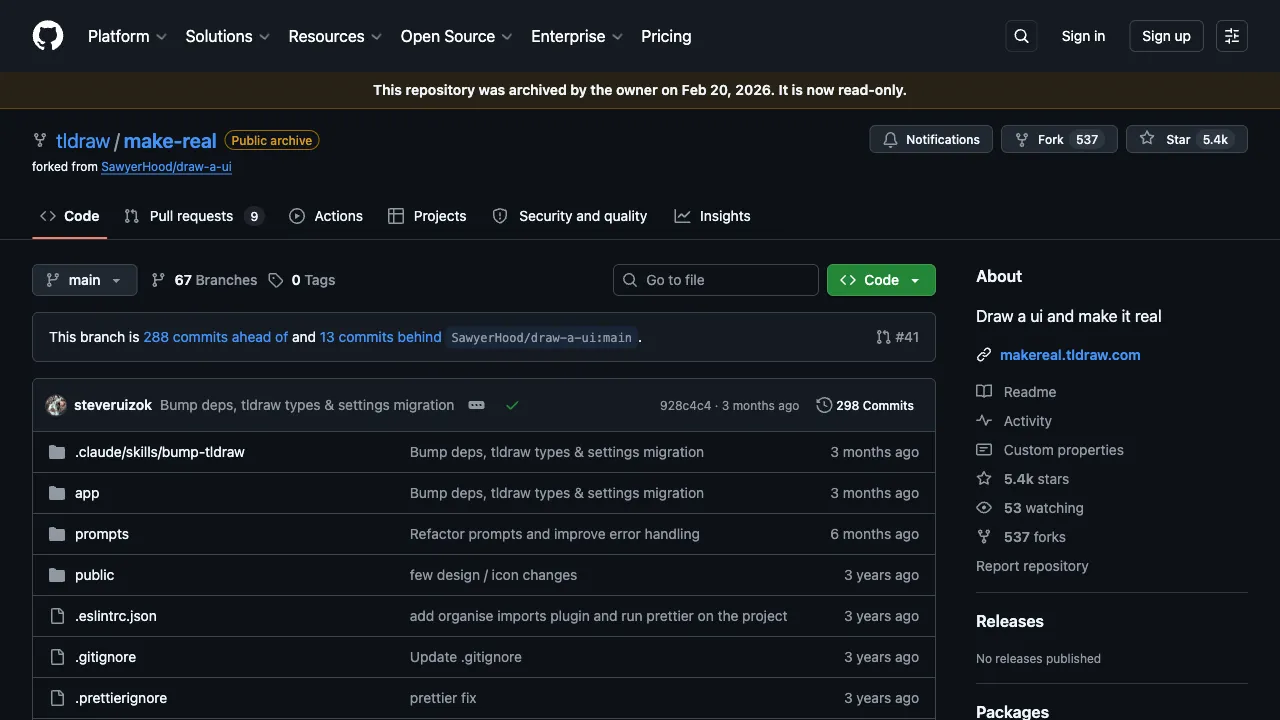
The tool itself is free and open source (the tldraw/make-real and make-real-starter repositories), but it is bring-your-own-key: you supply a model API key — OpenAI, Anthropic and Google are supported — and token costs go directly to the provider.
Two ways to run it:
- Hosted: paste your API key into the input at the bottom of makereal.tldraw.com, draw your interface, select it and press Make Real
- Self-hosted: create a
.env.localwith your API key and run it locally
tldraw named the key input in its starter repo RiskyButCoolAPIKeyInput — the name is itself the warning: be careful about pasting API keys into public sites, and revoke or cap the key afterwards. One common misunderstanding: creating a key and funding the account are separate steps, so a key that "does not work" is often just an unfunded account.
Do not confuse the two products: tldraw's commercial SDK licence for teams starts at $500/month. That is the canvas SDK, not the free Make Real demo.