

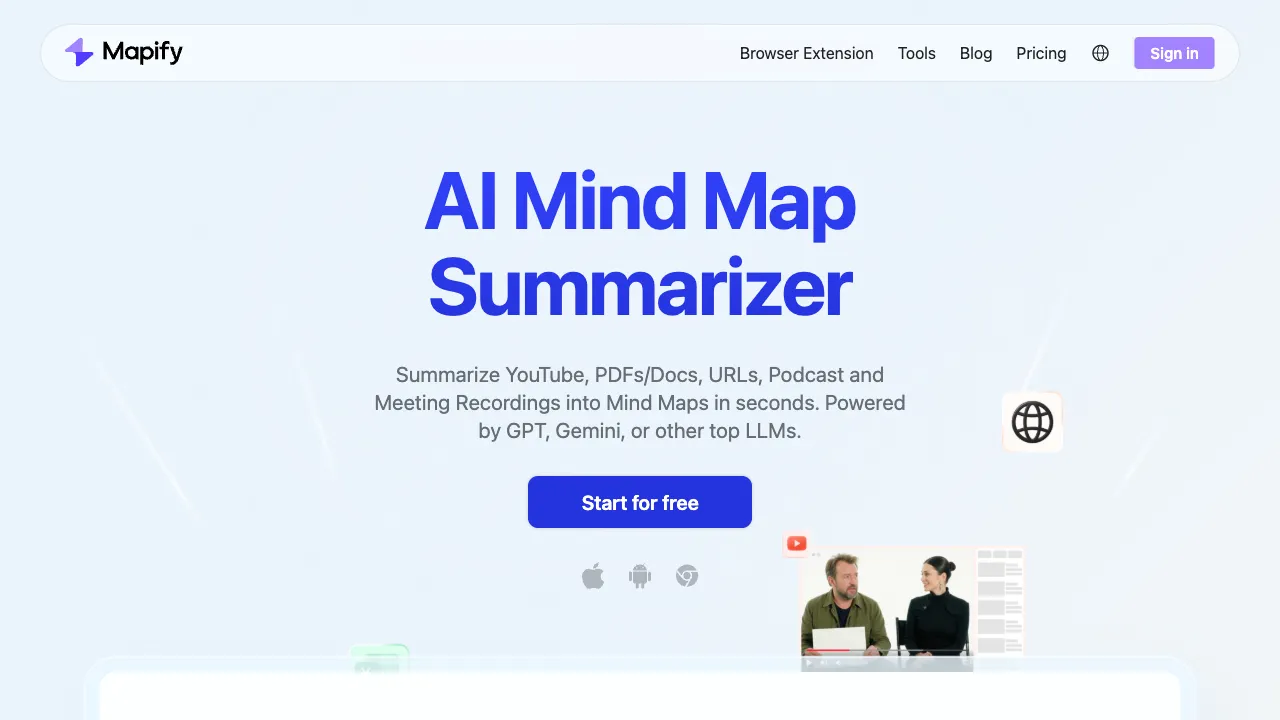
Everyone knows mind maps are useful, but in practice, people often get stuck at the "organizing information" step. Structuring a long article, a video, or a pile of ideas into a coherent map is inherently time-consuming. Mapify aims to solve this: input content in various formats, and AI automatically generates a clear, structured mind map, eliminating the need for manual organization.
What Is Mapify
Mapify (mapify.so) is an AI-driven mind map generation tool that supports multiple input sources—a description, an article, a URL, or a YouTube video link. The AI analyzes the content and automatically generates the corresponding mind map. The generated maps can be edited further within the platform or exported for use.
Its positioning is not to be a "better mind map editor," but rather to "use AI to save you the process of organizing information." This distinction is important: traditional mind map tools (like XMind, MindNode, etc.) provide a good canvas, but you still have to decide what goes into each node yourself. Mapify, by contrast, directly breaks down your content into a map structure for you.
Supported Input Sources
This is Mapify’s core advantage—it supports many input methods:
Text/Topic Descriptions Simply enter a topic or a description, and the AI generates a mind map based on that theme. For example, if you input "Pros and Cons of Remote Work," it will automatically generate a map covering various dimensions, making it a great starting point for brainstorming.
Long Articles/Content Paste an article or long text, and the AI extracts key information to organize it into a map structure. Read a valuable English report? Feed it to Mapify, and within seconds, you’ll see the overall framework, saving you the time of manual organization.
URLs Enter a webpage link directly, and Mapify scrapes the page content to generate a mind map. When you come across an article but don’t want to read it word-for-word, generate a map first to check its structure and decide if it’s worth deep reading.
YouTube Videos Input a YouTube video link, and the AI analyzes the video subtitles to generate a mind map of the video content. This is particularly useful for tutorials and lectures—for a one-hour tech talk, you can grasp the key points just by looking at the generated map.
PDF Files Supports uploading PDFs; the AI parses the document content and generates a mind map. This is convenient when handling reports, whitepapers, or academic papers.
How Good Is the Generation Quality?
Mapify’s mind map generation has several characteristics:
Clear Hierarchical Structure: The AI organizes content into reasonable hierarchies. Main nodes correspond to primary arguments, while sub-nodes correspond to supporting content, rather than flattening all information into a single layer.
Content Accuracy: Mapify is relatively reliable in extracting and summarizing original content without severely distorting the meaning. While some details may be lost when extracting long articles, the overall framework remains accurate.
Visual Appeal: The visual style of the maps is more modern than some legacy tools, with optimized colors and layouts. Exporting as an image or screenshot for sharing looks quite polished.
You can continue editing the map after generation—adding nodes, modifying text, adjusting structure—so the AI-generated result is a starting point, not the final destination.
Typical Use Cases
Organizing Study Materials: When taking online courses, reading books, or articles, feed important content to Mapify to generate maps for easier review and memorization.
Quickly Understanding a New Field: Want to get a preliminary understanding of a topic? Input a description for the AI to generate a map, giving you an overall framework before diving deeper.
Meeting Preparation and Presentations: Provide the agenda to Mapify to generate a mind map as a discussion framework or presentation structure. It’s easier to start with than a blank document.
Content Digestion: Especially for YouTube videos, many valuable talks, tutorials, and podcasts can be significantly reduced in time cost by using Mapify-generated maps to help you decide "whether to watch."
Structuring Before Writing: Before writing an article or report, use Mapify to generate a draft map, adjust the structure, and then start writing for clearer thinking.
Comparison with Other Tools
vs XMind: XMind is a representative traditional mind map software with complete features and local execution, but no AI generation capabilities; it relies entirely on manual organization. If you need detailed management of complex maps, XMind is more powerful, but you have to fill in the content yourself.
vs MindMeister: An online mind map tool with collaboration features, but primarily focused on manual node creation. Its AI features were added later and are not as central as they are in Mapify.
vs GitMind (Sihu): A domestic Chinese mind map tool with AI capabilities and better support for Chinese, featuring a Chinese interface. If you primarily use Chinese and need Chinese AI assistance, GitMind is a more localized choice. Mapify’s advantage lies in YouTube video parsing and English content processing.
vs ProcessOn: A domestic online graphics tool focused on flowcharts and mind maps, positioned more toward formal chart creation; AI is not its core feature.
vs Whimsical: Whimsical covers mind maps, flowcharts, and wireframes with broader functionality, but it also relies primarily on manual creation, with AI as an auxiliary feature.
vs Notion AI: If you take notes in Notion, Notion AI can help organize content, but the output format is outlines or tables, not visualized maps. Mapify focuses specifically on the mind map format.
Summary: If your core need is "automatically converting existing content into mind maps," Mapify currently performs better than most general-purpose tools in this specific scenario. If you primarily manually organize ideas and need complex map management features, traditional tools may be more suitable.
Who Is Mapify For?
People Who Process Large Amounts of Information: Researchers, students, and content creators who need to quickly digest information from various sources will save time on manual organization with Mapify.
Learners Who Prefer Mind Maps: Those who know mind maps help with learning but are too lazy to draw them from scratch can let AI generate a draft and then edit it themselves, significantly lowering the barrier to entry.
Users Handling English Content: Parsing YouTube videos and English articles is Mapify’s strong suit; users dealing with a lot of English content will find this particularly useful.
Knowledge Workers Summarizing Content: For meeting notes, document organization, and report extraction, Mapify can serve as a quick organizational tool in your daily workflow.
Limitations
Mapify’s processing of Chinese content is slightly weaker than its English processing; for complex long Chinese articles, the generated maps sometimes lack precise hierarchical division.
YouTube video parsing relies on subtitles; videos without subtitles cannot be processed. English videos usually have auto-generated subtitles, but the quality of Chinese video subtitles varies, which can affect parsing results.
The free version has limited usage counts, and heavy users will need to pay. Additionally, there is a cap on the number of nodes in generated maps, which may lead to truncation for very complex content.
Pricing
Mapify offers a free version with limited generation attempts to experience core features. Paid plans unlock more usage limits and advanced features, with monthly and annual subscription options. Refer to the official website for specific pricing.
Mapify represents a category of AI tools with clear practical value—it does something specific, valuable, and genuinely time-saving. If you have a need to "turn content into maps," Mapify is currently the most worthwhile tool to try first.