

There is a long-standing industry norm in the online background removal category that has frustrated users for years, set by the market leader remove.bg: the free tier only provides a tiny preview image (around 0.25 megapixels). Want the full-resolution original? Please pay. This "quality hostage" model was tacitly adopted across the industry until a batch of challengers broke the ice with more generous free policies—PicWish is one of the most highly regarded among them, maintaining high scores on overseas review platforms like Trustpilot and G2 for a long time. The core reason for these positive reviews is strikingly consistent: "You can actually download HD images for free."
PicWish also has another identity more familiar to domestic users: it is the international version of ZuoTang (ZhuoTang)—a product under Apowersoft (Shenzhen Aoshuang), a tool vendor focused on the Apple ecosystem. picwish.com serves the global market, while picwish.cn (ZuoTang) serves the domestic market; they are two faces of the same technical foundation.
What is PicWish
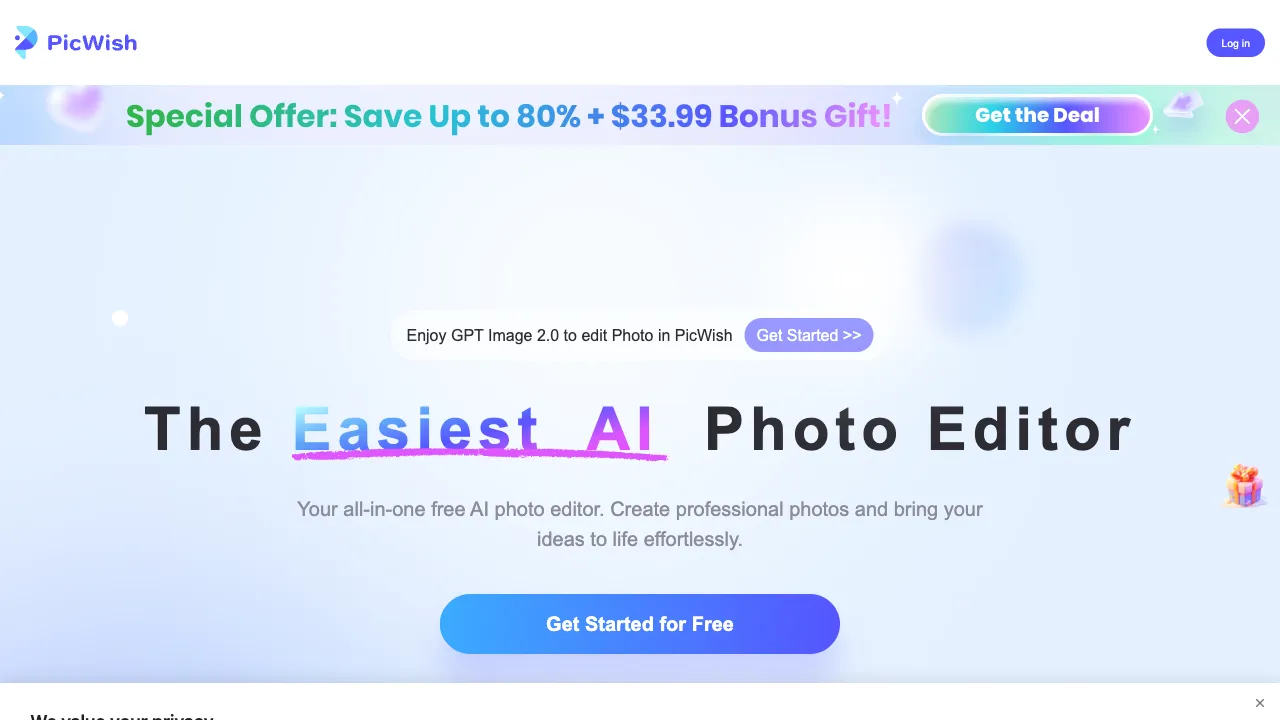
PicWish (picwish.com) is an all-in-one online AI image processing platform, with background removal as its flagship feature, covering high-frequency needs such as image upscaling, quality restoration, watermark/object removal, format conversion, compression, and cropping. It can be used directly via the web, and also offers desktop apps, mobile apps, and APIs for developers.
The product philosophy is "professional capability + accessible threshold": its background removal quality benchmarks against the industry's first tier, while its free policy is more generous than industry conventions. This combination is exactly what has earned it such a good reputation.
Key Features
AI Smart Background Removal
The core signature feature. Upload an image, and the AI automatically separates the subject from the background, outputting a transparent PNG. It supports portraits, products, animals, graphics, and other types.
In terms of quality, independent evaluations often compare it side-by-side with remove.bg: for regular subjects (portraits, products), the two are hard to distinguish; for extremely complex edges (messy hair, semi-transparent fabrics), remove.bg has a slight edge. However, PicWish's free tier offers significantly more practical download resolutions, giving it an overall better cost-performance ratio—making "95% quality + usable free tier" a clear winner over "98% quality + paywall" for most users.
Post-removal features include changing background colors (red, blue, white for ID photos), replacing backgrounds, and adding shadows, covering common follow-up needs in one go.
Image Quality Restoration and Portrait Enhancement
Restoring clarity to old or blurry photos and enhancing facial details are its strong suits—restoring family heirloom photos often yields surprising results. This is also one of the features most frequently recommended by users on social media.
AI Image Upscaling
Super-resolution upscaling at 2x/4x, rescuing low-resolution assets into usable resolutions. It is a standard step for e-commerce and printing scenarios.
Watermark and Object Removal
Paint to remove clutter, passersby, or markings from images (for owned content), with AI filling in the background.
Format Conversion and Compression
Interconversion between JPG/PNG/WebP/HEIC—converting iPhone HEIC files to JPG is a daily necessity—as well as quality-preserving compression. It consolidates all the "peripheral chores" of image processing in one place.
Batch Processing and API
Batch background removal and batch compression are core efficiency drivers for e-commerce operations; the API service targets developers and enterprises who need to embed background removal capabilities into their own systems, billed by usage.
Comparison with Similar Tools
vs remove.bg: The industry benchmark, with extreme edge precision and an extensive API ecosystem remaining its strong suits; however, its free tier has harsh resolution limits, and paid plans are not cheap. PicWish differentiates itself with a more practical free policy + near-identical quality—for budget-conscious individuals and small-to-medium sellers, PicWish is the smoother choice.
vs ZuoTang (picwish.cn): The domestic version of the same product, with identical features but servers located in China for faster access and RMB payment processing. Domestic users should use ZuoTang directly, while those with overseas business or English workflows should use PicWish; choose based on your ecosystem.
vs Pixelcut/PhotoRoom: These two follow a "background removal + e-commerce scene templates" workflow, creating a full production line for product images; PicWish is a more pure image processing toolbox, not tied to an e-commerce narrative. Choose the former for an assembly line, choose PicWish for a Swiss Army knife.
vs BgSub: BgSub's local processing privacy attribute is unique; PicWish processes in the cloud but offers a much wider range of features. Choose BgSub for privacy priority, PicWish for feature priority.
vs Photoshop: Photoshop remains the ceiling for precise retouching; PicWish serves the majority who "don't want to learn or subscribe to PS," resolving 90% of daily image needs in thirty seconds here.
Who Should Use PicWish
E-commerce Sellers: Full suite of needs for white-background images, batch processing, and product image optimization. Start with the free tier, upgrade to paid when volume increases; the cost curve is friendly—this is its largest user base.
Cross-border Business Users: The international version offers multi-language support, international payments, and overseas servers, making it smooth for Amazon and Shopify sellers.
High-frequency Small Needs of Ordinary Users: Changing ID photo backgrounds, restoring old photos, converting HEIC formats—each represents a real-life moment, all handled by a single bookmarked tab.
Designers and Operators: Quick background removal for assets and handling format chores, saving PS for true precision retouching.
Developers: For projects needing a background removal API, PicWish is a more pricing-friendly candidate besides remove.bg.
Usage Tips
A clear subject and distinct background make removal easier. Improve focus and shooting conditions first, then inspect the result, especially hair and transparent edges.
For complex edges (hair, transparency, cutouts), check the result after upscaling if necessary, and use manual repair tools to touch up where needed.
For batch tasks, verify with a single image before running the full batch; high-resolution originals retain more edge details, so don't settle for heavily compressed small images.
Pricing
The free tier offers a surprisingly generous quota and resolution (which is largely responsible for its strong reputation). Paid subscriptions unlock HD batch downloads, higher processing volumes, and priority speeds. The API is priced separately based on usage. Refer to the official website for specific details.
PicWish’s success illustrates a simple truth: in a market saturated with homogenized tools, “generosity toward free users” is itself the sharpest differentiator. When you need to remove backgrounds or edit images, give it a try first—many people go from “just testing it out” to “keeping it as a bookmarked staple.”