

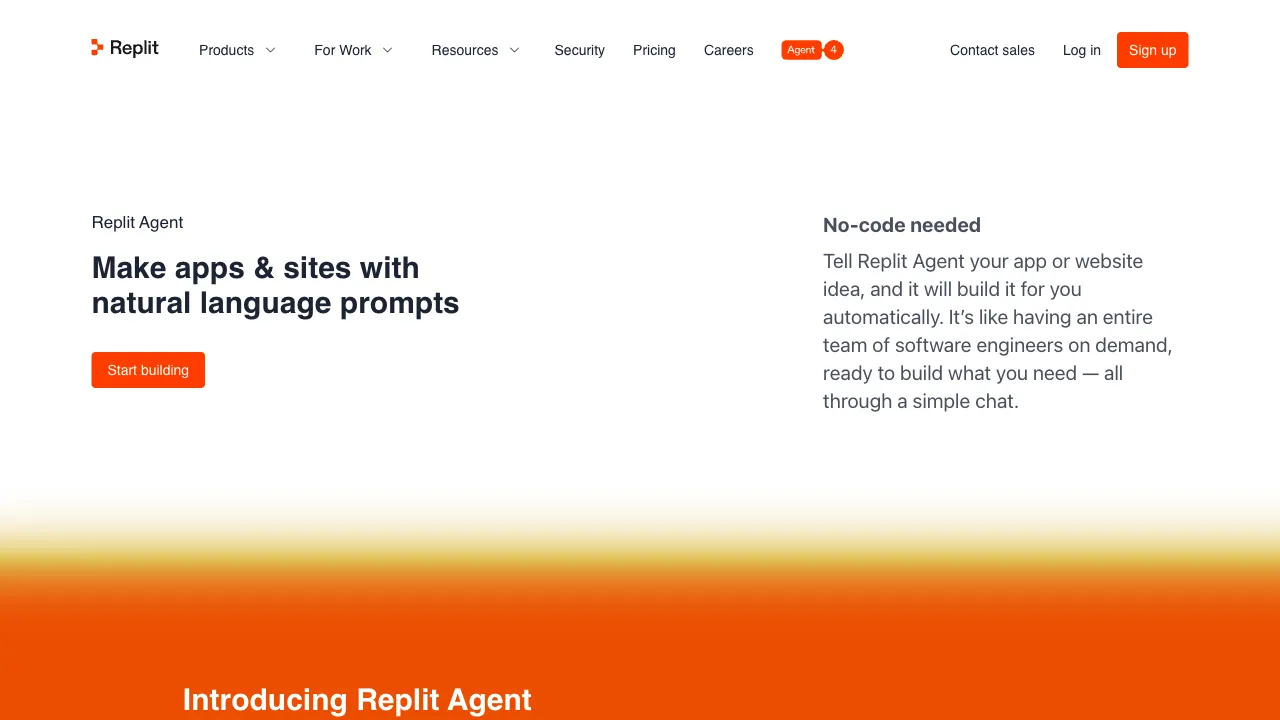
Replit occupies a unique position in the AI coding tool landscape: it doesn’t just give you an AI assistant to help write code, but provides a complete closed-loop environment “from code to runtime to deployment.” Replit Agent is the AI core of this environment—you describe the app you want, and the Agent writes it for you. You don’t need to configure any development environment; you can run and deploy directly in your browser.
What Is Replit?
To understand the value of Replit Agent, we first need to look at the Replit platform itself.
Replit is a browser-based online IDE (Integrated Development Environment) that supports dozens of programming languages. You open your browser, create a “Repl” (project), and you have a complete development environment—code editor, terminal, package management, runtime environment—all in the cloud, with nothing to install locally.
Replit started as a platform for learning to code, but it later attracted many developers and non-technical users who needed rapid, low-friction development and deployment for small projects. Replit Agent is the AI layer added on top of this platform.
Core Capabilities of Replit Agent
From Description to Application
The core experience of Replit Agent is this: you describe the app you want in natural language, the Agent plans the implementation, and then generates code, installs dependencies, and configures the project within the Replit environment, finally delivering a runnable application.
“Help me build a To-Do web app that can add, complete, and delete tasks, with data saved to local storage.” The Agent understands this requirement, generates frontend code (HTML/CSS/JS or React), configures the project, and you see the running result immediately.
The key advantage of this process is that it generates a complete, runnable project—not just code snippets—and it runs directly in Replit’s environment without requiring any additional configuration from you.
Understanding and Modifying Existing Code
For existing Replit projects, the Agent can read the entire project’s code, understand the current structure, and then add features, fix bugs, or refactor code based on your requests.
“Add a user login feature to this existing Flask app, using sessions to manage login state.” The Agent reads your existing code, identifies the framework you’re using, sees what routes and models already exist, and generates new feature code that matches your existing style.
Iterative Adjustments
Not satisfied with the output, or need adjustments? Just continue the conversation and tell the Agent:
“The navbar is too big, make it smaller.” “Add a search box to the user list.” “There’s a logic issue here; when the user isn’t logged in, they should be redirected to the login page.”
The Agent modifies the relevant parts based on your feedback. It doesn’t need to regenerate the entire project, supporting incremental iteration.
Automatic Error Handling
If the code throws an error, the Agent can read the error message, analyze the cause, and fix it automatically. This “generate—run—error—fix” loop is closed within the Replit environment; the Agent sees the actual runtime errors rather than just guessing at potential issues.
One-Click Deployment
Replit itself has deployment capabilities. Once your app is ready, you can deploy it to a public URL with one click, getting an accessible online address. For prototype validation, sharing small projects, or internal tools, this deployment path is extremely smooth—no need to configure servers, DNS, or HTTPS; you have an online address in seconds.
Comparison with Other AI App-Building Tools
vs Bolt.new / Lovable: These tools also generate web apps via AI and have similar functional positioning. The difference is that Bolt.new and Lovable focus more on generating exportable code (primarily React + Tailwind), while Replit Agent focuses on a closed-loop runtime within the Replit ecosystem. If you want to download the code and manage it with your own Git, Bolt might be a better fit; if you want zero-config running and deployment, Replit is smoother.
vs v0 (Vercel): v0 specializes in UI component generation, outputting high-quality React + shadcn/ui component code. Replit Agent builds complete applications, including backend logic, database connections, APIs, etc., offering a broader positioning than v0.
vs Base44: Base44 is also a no-code AI app builder, but it targets non-technical users and doesn’t expose the code. Replit Agent exposes full source code, making it suitable for users with some technical background who want to understand or deeply customize the code.
vs GitHub Copilot: Copilot is a code-completion tool that helps you write code details, requiring you to have a complete development environment. Replit Agent handles the entire workflow from requirement to application, with the development environment provided by Replit, eliminating the need for local configuration.
Who Is Replit Agent For?
Students learning to code: Learning on Replit and using the Agent to help understand code, generate examples, and fix errors is a natural way to assist your learning.
Entrepreneurs validating product ideas quickly: You don’t need to hire developers; you can build an MVP yourself using Replit Agent to see if your idea works before deciding whether to invest in formal development.
Non-technical professionals needing quick internal tools: Sales data tracking, customer information collection forms, simple business process automation—building these internal tools with Replit Agent avoids the need for IT department approval workflows.
Designers and product managers needing rapid prototypes: From design mockups to interactive prototypes, what Replit Agent generates isn’t static design, but a truly clickable, operable application.
Independent developers working on full-stack projects: Quickly scaffold the project framework, let the Agent generate repetitive boilerplate code, and focus yourself on business logic.
Pricing
Replit credits are one pool — agent sessions, deployments and compute all draw from it:
- Core $20/mo: $25 of credits, no rollover
- Pro $100/mo: $100 of credits, one month of rollover; about $95/mo billed annually
- The former Teams tier folded into Pro in February 2026 (up to 15 builders, with tiered credit discounts)
- A higher enterprise tier for a fully autonomous agent operating its own computer, from $500/mo
The big 2026 change is how it meters. The agent used to charge a flat $0.25 per checkpoint, with large tasks split into several checkpoints. It now runs on effort-based pricing — the agent decides how much a task costs based on the work it puts in, and you find out when it finishes. It took effect immediately for new users and reached existing Core and Teams subscribers from July 1, 2026.
The change drew real pushback: The Register documented users hitting around $1,000 in a single week against typical monthly bills of $180–200, and a single prompt costing $20 after Agent 3 redesigned a UI it had not been asked to touch.
So $20 and $100 are floors, not ceilings — your real spend tracks how loose a leash you give the agent. Check the official pricing page.
Limitations
Cap on complex applications: Replit Agent performs well on simple to moderately complex apps. For applications requiring complex architecture, extensive custom logic, or enterprise-scale deployment, the generated results require significant manual rewriting.
Inconsistent code quality: The quality of generated code varies significantly depending on task complexity and tech stack. For production projects with high code-quality requirements, careful review and refactoring are necessary.
Dependency on the Replit platform: Projects run within Replit’s environment; migrating them out requires handling platform-specific configurations and dependencies. If you plan to migrate to your own servers or other cloud platforms in the future, there will be migration costs.
Performance constraints: Replit’s computing resources are limited; applications with high concurrency or large data volumes may encounter performance bottlenecks. It’s fine for validating prototypes, but requires caution for formal production environments.
Practical Advice
Clearly describe the app’s core functionality: When generating the app for the first time, clearly specify the most important features. You don’t need to cover every detail upfront; build out the core functionality first, then iterate to add details later.
Use specific technical requirements: If you have technology preferences, tell the Agent—e.g., “use Flask for the backend,” “use React for the frontend,” or “use SQLite for data storage.” This typically yields results that better align with your expectations than letting the Agent choose on its own.
Don’t readily accept buggy outputs: If the generated app has obvious issues, directly tell the Agent what’s wrong. Avoid manually editing the code the Agent generated; instead, let the Agent fix it to maintain better consistency across the project.
Test before deploying: Test thoroughly within the Replit environment before deploying to the public internet to avoid exposing an app with glaring bugs.
Replit Agent combines AI-powered coding capabilities with a zero-configuration deployment environment, offering a capability that previously required significant technical expertise: rapidly turning ideas into runnable applications. For those looking to dip their toes into AI application development with a low barrier to entry, it is currently one of the most worthwhile starting points.