

Almost every family has those few photos: a military portrait of Grandpa in his youth, parents’ wedding photo, or your own full-month celebration picture—the memories are vivid, but the physical photos have faded to mere outlines. Low resolution from the film era, missed focus, and decades of oxidation and fading mean that our most precious images are often the lowest quality. Before AI face restoration technology matured, the simple, almost instinctive desire to see your loved ones’ faces clearly could only be fulfilled by photo retouchers painstakingly tracing details by hand.
Restorephotos.io turns this process into: upload, wait a few seconds, download. It also has a pedigree well-known in tech circles—the developer is Hassan El Mghari, and the project began as an open-source demo that went viral on GitHub (gaining tens of thousands of stars), proving just how much real-world value can come from “wrapping top-tier academic models into a minimalist web page.”
What is Restorephoto?
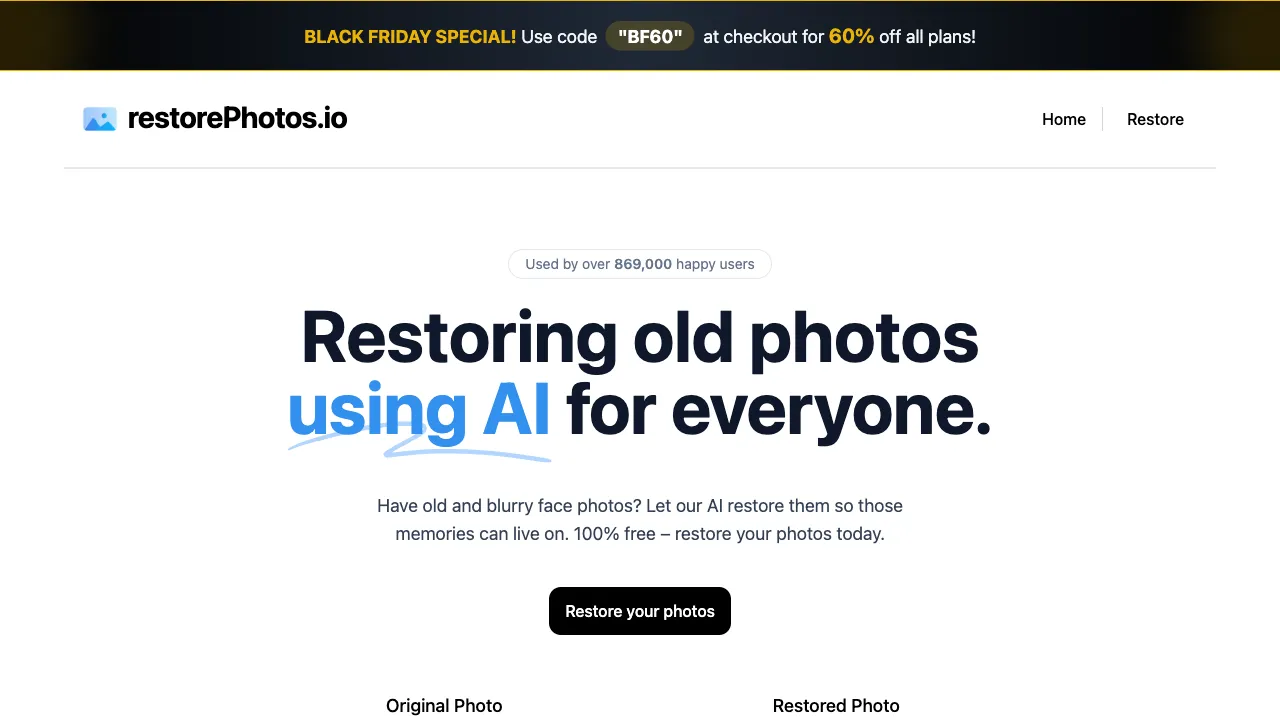
Restorephoto (restorephotos.io) is an online tool focused on AI face restoration: upload a photo with blurry faces (especially old photos, which are its sweet spot), and the AI performs specialized clarity reconstruction on the facial areas, outputting a version where facial features are clearly visible. The product embraces extreme minimalism—no parameters, no tutorials, no complex workflows; a single upload box is the entire interface.
Its restoration capabilities come from top-tier academic models in face restoration like GFPGAN/CodeFormer (research outcomes from Tencent’s ARC Lab and Nanyang Technological University, among others). Restorephoto is essentially one of the most user-friendly consumer encapsulations of these models.
Core Features
AI Face Restoration
Upload a photo, and the AI automatically locates facial regions for targeted reconstruction:
- Facial details (the sparkle in the eyes, the contours of the nose and lips) emerge from blurry blocks
- The pixelation of low-resolution images is replaced by smooth, realistic textures
- Detail loss caused by the passage of time receives “inferred” completion
- Blur caused by camera shake and defocus is corrected
The results are most stunning for frontal faces with decent lighting—the reaction of many users seeing the result for the first time is disbelief, which is the core driver of its word-of-mouth reputation.
Adaptation to Old Photo Scenarios
Beyond faces, it also improves the overall appearance of old photos (noise, light scratches, grayish haze), making the restored photo look cohesive rather than “a clear face pasted onto a blurry photo.”
Before-and-After Comparison
The processed results are displayed in a before-and-after format, making the degree of restoration immediately obvious—this simple design amplifies the “wow factor” and helps users judge whether the result is acceptable.
Technical Principles: Why the Effect is a Leap Forward
Understanding a bit of the principle helps set realistic expectations. Traditional image upscaling uses interpolation—stretching and smoothing existing pixels, so blurry remains blurry. In contrast, this generation of generative face restoration models like GFPGAN/CodeFormer takes a completely different path: the model has learned prior knowledge of “what a face should look like” from massive amounts of high-definition faces. During restoration, it generates a clear face that aligns with these clues, referencing the residual information in the blur.
This is the source of the qualitative leap, and also the boundary you must understand: restoration is “highly reasonable inference,” not “truth recovery.” The AI provides “the most likely face,” which may have subtle differences from the true original—eye shape might be slightly adjusted, expression might differ slightly. Adopting the mindset that this is a gift to make memories more vivid, rather than forensic-level reconstruction, is the correct approach when using such tools.
Comparison with Similar Tools
vs Remini: A phenomenon-level mobile app for old photo restoration with equally excellent results and greater social media buzz; however, its free version and subscription design (ads, trial-to-subscription) are often criticized. Restorephoto’s minimalist web approach + free route is more friendly to casual users.
vs MyHeritage Photo Enhancement: A companion feature of a genealogy platform, also offering the Deep Nostalgia effect that makes old photos “move,” delivering strong emotional impact; deep usage is tied to its subscription system. For simple face restoration, Restorephoto is lighter.
vs PicWish/Zuotang’s Restoration Features: Restoration modules from comprehensive image platforms with quality in the same tier, plus peripheral features like upscaling and colorization; Restorephoto wins on zero-threshold purity. Choose platform-type tools for one-stop processing; choose this one for face-only restoration.
vs Photoshop Neural Filters: The ceiling for controllability and comprehensive retouching capabilities, at the cost of subscription and skill; for ordinary people restoring family photos, it’s overkill.
vs Running Open-Source Models Yourself: Both GFPGAN/CodeFormer are open-source, allowing tech-savvy users to deploy locally with unlimited free usage and full privacy control; Restorephoto exists precisely for those who don’t want to tinker.
Who Should Use Restorephoto?
Ordinary people wanting to restore family old photos: The most core and touching scenario—making the faces of deceased relatives clear again. The emotional value of such tools far exceeds technical parameters, making it worth knowing about for every family with an old photo album.
Family history and genealogy organizers: For clarity processing during batch digitization of family photos.
Photo restoration service practitioners: Small businesses serving communities and the elderly; these free AI tools form the efficiency foundation.
Emergency rescue for ordinary photos: Not just for old photos; blurry group shots from camera shake or small faces in distant landscapes can also be saved with it.
Usage Suggestions and Boundaries
Frontal faces yield the best results; restoration stability decreases for large-angle profiles or faces partially obscured by hands/objects. In extreme cases where the original image is so blurry that only a few pixels remain, the AI has nothing to work with, so lower your expectations accordingly.
Using restored results for commemoration and sharing is perfectly fine; but if used for serious scenarios like identity verification, remember the earlier point: “inference is not recovery.”
Privacy reminder: Photos must be uploaded to servers for processing; consider local open-source solutions for extremely sensitive images.
Pricing
Basic restoration features are free and require no registration; advanced options (HD export, batch processing) may involve fees depending on current policies—check the official website for details.
Some tools’ value is measured by feature lists; Restorephoto’s value needs only one scenario: that moment when a face blurred for thirty years becomes clear again on screen. Anyone with old photos at home should try it once—the cost is zero, and what you might gain is a memory lost and found again.