

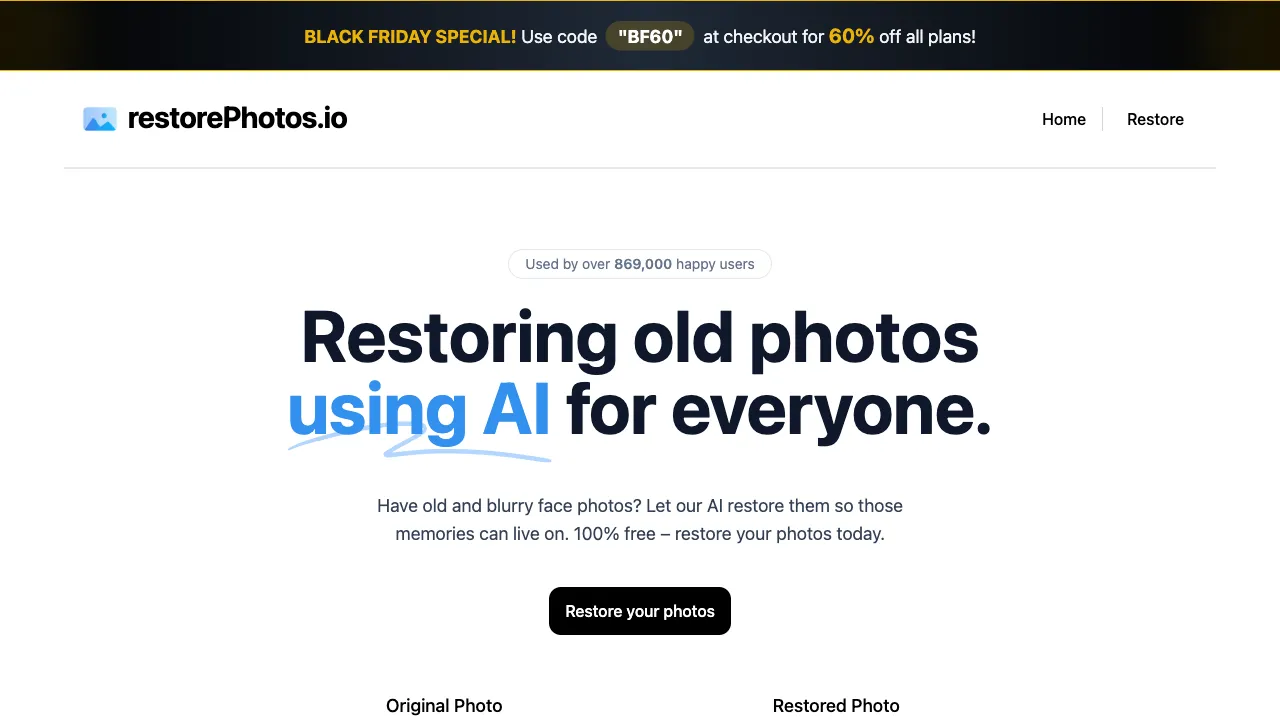
Before AI tools became ubiquitous, "restoring a blurry old photo" was an oddly high-barrier request: technically, you either needed to master Photoshop’s complex workflows or pay a professional retoucher; despite simply wanting to see the faces of loved ones in their youth, technology and cost stood in the way. Restore Photos (restorephotos.io) has simplified this process to the extreme—open the webpage, upload the photo, get results in seconds, without even needing to register an account. Its product philosophy can be summed up in one sentence: make "restoring blurry faces," an emotionally weighty task, completely barrier-free.
(Note: This site lists multiple entries for restorephotos.io; this entry focuses on its zero-barrier experience of being registration-free and ready-to-use, along with its practical boundaries.)
What is Restore Photos
Restore Photos (restorephotos.io) is an AI tool focused on facial photo restoration. Based on face restoration models like GFPGAN, it targets facial areas for detail recovery and sharpening, turning blurry portraits clear and restoring details to faces in old photos. Its most prominent tag is no registration, no login, direct use—upload a photo via the webpage and processing begins immediately. The basic features are free of charge; this "frictionless" experience is its core advantage over many similar tools that require registration or payment.
Core Features
AI Face Restoration
Upload a portrait, and the AI locates the face for targeted restoration: it recovers blurry facial contours, cleans up noise and grain from old photos, improves facial details underexposed or overexposed areas, and applies mild color enhancement for natural skin tones. The effect is usually significant for faces with moderate blur; however, for extremely blurry faces (faces only a few dozen pixels wide) or severely damaged photos, the restoration is limited—this is a common boundary for face restoration technology.
Black-and-White to Color
Beyond restoring clarity, it supports converting black-and-white images to color: the AI infers reasonable colors to tint the portrait based on the scene. This adds value to old photo restoration by both sharpening and coloring. Since colorization is "reasonable inference" rather than "true restoration," special clothing or elements with specific color meanings might be guessed incorrectly, but the overall effect is often stunning.
Batch Processing
Upload multiple photos at once for batch restoration, suitable for the digital rescue of batches of old photos.
Typical Scenarios
Restoring family old photos: Decades-old film scans or blurry family group shots from early low-resolution digital cameras—this is Restore Photos’ most frequent and touching use case, bringing faces in old photos back into focus.
Restoring important commemorative photos: Refreshing wedding, graduation, or birthday photos that suffered from poor shooting conditions.
Colorizing black-and-white photos: Adding color to ancestors’ black-and-white photos to see what they looked like in "color" during their youth, offering unique emotional value.
Restoring damaged digital photos: Salvaging some quality from severely compressed/distorted JPEGs, blurry screenshots enlarged too much, or over-processed social media images.
Comparison with Similar Tools
vs Remini: A phenomenon-level mobile app for old photo restoration with excellent results, but its subscription/ad design is often criticized and requires downloading/installing; Restore Photos is web-based and registration-free, making it faster and more burden-free to start. Use Remini for convenient mobile use; use this one for a zero-barrier quick trial.
vs Upscayl: An open-source local super-resolution tool that increases the resolution of entire images and is infinitely free but requires a GPU; Restore Photos specializes in faces and works online without a GPU. The two can be used together: Upscayl boosts overall resolution, while Restore Photos fixes facial details.
vs Arc Lab (Tencent): An official-grade free tool with the same technical lineage (GFPGAN series) and comparable quality tier; both are free, so choose based on access convenience and interface feel.
vs VanceAI/Paid Restoration Tools: Paid tools generally offer higher quality but require a subscription; Restore Photos has a lower barrier for its free quota.
vs Meitu Portrait Enhancement: Meitu leans toward "beautification" (skin smoothing, face slimming), while Restore Photos leans toward "restoration" (recovering blurry/damaged details); their goals differ, so they are not direct competitors.
Honest Effectiveness Assessment
Good results: Faces with recognizable contours but insufficient clarity; grain and noise in old photos; slightly out-of-focus portraits.
Limited results: Extremely blurry faces (faces reduced to just a few pixels), severe occlusion, large-angle profile shots (models are mostly optimized for frontal views), or very small faces in group photos.
Key Insight: AI restoration is "highly reasonable inference," not "restoring the truth"—it "fills in" details, making them look clearer, but facial features may not be entirely accurate, and eyes sometimes appear slightly unnatural. Compare the processed image with the original to confirm; it’s fine for commemorative purposes, but do not rely on it for serious uses (such as identity verification).
Pricing
The free quota covers basic face restoration; more features or higher usage may require payment. Refer to the official website for specifics.
Restore Photos addresses a simple yet weighty need: making blurry faces clear again. Its greatest advantage isn’t that its technology is cutting-edge (the underlying tech relies on mature open-source models), but that it has lowered the barrier to zero—no registration, no payment, just open and try. If you have old photos at home that are too blurry to make out, there’s no reason not to upload one to see the effect: the cost is zero, and what you might gain back is a long-lost clear face.