

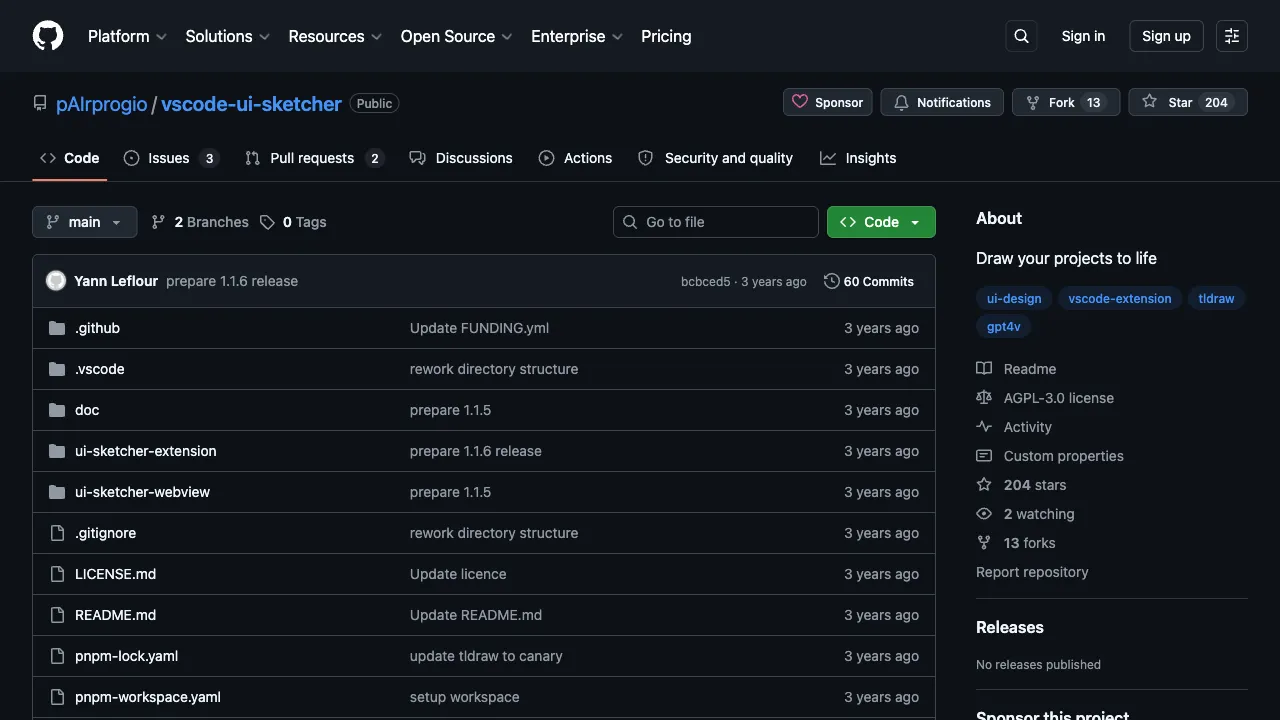
There is a vast chasm between idea and code: you have the interface in your mind, but turning it into working code either requires a designer to produce mockups first or demands that developers hand-write every line. UI Sketcher is a VS Code extension that attempts to bridge this gap: sketch interface drafts directly within the plugin, let AI interpret what you’ve drawn, and automatically generate React Native UI code. This step from sketch to code saves significant time in design and early development.
What Is UI Sketcher?
UI Sketcher is a Visual Studio Code extension whose core capability is “sketch-to-code”: developers hand-draw interface sketches on the plugin’s built-in canvas (even if they’re rough), and the plugin calls GPT-4V (the vision-enabled version of GPT-4) to interpret the sketch content, then generates corresponding React Native UI code.
The entire workflow happens entirely within VS Code, with no need to switch to other tools. For indie developers, full-stack engineers, and product teams building prototype validations, this is an interesting efficiency tool.
Core Features
Hand-Drawn Sketches to React Native Code
This is the plugin’s core feature. The usage flow:
- Draw interface sketches on the VS Code extension’s canvas—use rectangles for buttons, lines for input fields, and simple shapes for cards
- The sketches don’t need to be precise; they just need to convey the general layout and elements
- The plugin sends the sketch to GPT-4V for analysis
- AI interprets the interface intent of the sketch and generates corresponding React Native JSX code
- The generated code appears directly in the editor, ready to run and modify
The clearer the sketch and the more explicit the annotations, the closer the generated code will be to your expectations.
GPT-4V Multimodal Understanding
The technical foundation of this plugin is GPT-4V’s visual understanding capability. GPT-4V doesn’t just “see” images; it understands the semantics of image content—it knows that “a rectangle plus some text” usually means a button, “a full-width area at the top” is typically a navigation bar, and “cards arranged in a list” are usually a list view.
Based on this semantic understanding, AI can infer reasonable UI structures from rough sketches rather than performing a mechanical mapping of shapes to code.
React Native Code Generation
The generated code is for React Native, usable on both iOS and Android platforms. The generated code includes:
- Layout structure (View, ScrollView, FlatList, etc.)
- Basic UI components (Text, TextInput, TouchableOpacity, Image, etc.)
- Style code (StyleSheet definitions)
The generated code serves as a runnable starting point; it typically requires modification and refinement based on specific needs, such as integrating real data, adjusting style details, and adding business logic.
Embedded Integration in VS Code
The work and generated results stay in VS Code. Developers whose projects and editing habits are already there have one less window to switch to.
Suitable Use Cases
Rapid Prototype Validation: You have a new idea and need to quickly build an interface prototype to see how it looks. UI Sketcher can generate runnable code prototypes from sketches in minutes, much faster than hand-coding from scratch.
Indie Developers and Small Teams: Without dedicated designers, developers handle both design and coding. Sketch-to-code skips the detailed design phase and moves straight into development.
Learning React Native: If you want to learn React Native UI development, drawing sketches and observing AI-generated code helps you quickly understand how various UI structures are coded in practice—a learning method tied to real-world needs.
Product Prototype Demos: Product managers or designers can use sketches to quickly generate runnable interface prototypes. These are more intuitive than static design mockups and easier for engineering teams to understand in terms of implementation requirements.
Comparison with Other Tools
vs Figma + Code Generation Plugins: Figma offers more precise designs, and paired with code generation plugins, it can produce code from detailed mockups. UI Sketcher’s advantage is speed and low barrier to entry; you don’t need to learn Figma, making it suitable for the rapid prototyping phase.
vs GitHub Copilot for Writing UI Code: Copilot completes UI code based on comments or existing code, requiring textual descriptions of requirements. UI Sketcher starts directly from visual sketches, which is more direct for scenarios where you have clear visual ideas.
vs v0.dev (Vercel): v0 generates Web UI (React + Tailwind) via text descriptions with high output quality. However, it targets web development, while UI Sketcher targets React Native mobile development; their use cases differ.
vs Makereal (tldraw): Makereal is also a sketch-to-web-code tool used in the browser. UI Sketcher integrates into VS Code and targets React Native developers; each serves different user groups.
vs Screenshot-to-Code Tools: Some tools on the market support screenshot-to-code conversion. UI Sketcher uses sketches rather than screenshots, making it suitable for early prototyping stages before any design mockups exist.
Limitations
The generated code is only a basic structure; complex interaction logic, animations, data binding, etc., must be added manually. The output is a starting point, not the final product.
Sketch recognition accuracy depends on GPT-4V’s understanding capability. Vague or overly simple sketches may generate unexpected code; you’ll need to add more annotations to your sketches or try multiple times.
Currently, it only supports React Native code generation and does not support other mobile or web frameworks.
You need to configure your own OpenAI API Key to use GPT-4V. API calls incur costs, so be mindful of OpenAI token consumption during use.
Pricing
The UI Sketcher extension is free to download and install from the VS Code Marketplace. However, users bear the cost of calling the GPT-4V API themselves, billed according to OpenAI’s API pricing standards.
UI Sketcher represents an innovative application of AI multimodal capabilities in developer tools. For React Native developers—especially indie developers who need to rapidly validate interface ideas and don’t want to spend too much time in the design phase—this extension is a worthwhile efficiency tool to try.