

The image-editing needs of ordinary people boil down to a few recurring tasks: removing passersby from photos, stripping backgrounds from product shots, sharpening blurry images, and, in recent years, a new essential need—a decent professional headshot. What these demands have in common is that Photoshop can handle them all, but the learning curve for someone who only uses it five times a year makes that option entirely impractical. Thus, a new category emerged: web-based toolkits that turn each of these high-frequency needs into a single button, offering a zero-barrier entry point.
Magic Studio is a quintessential player in this category, having gained fame through one specific feature—Magic Eraser—which was once among the most widely recognized names for tools that make passersby disappear with a simple swipe.
What Is Magic Studio?
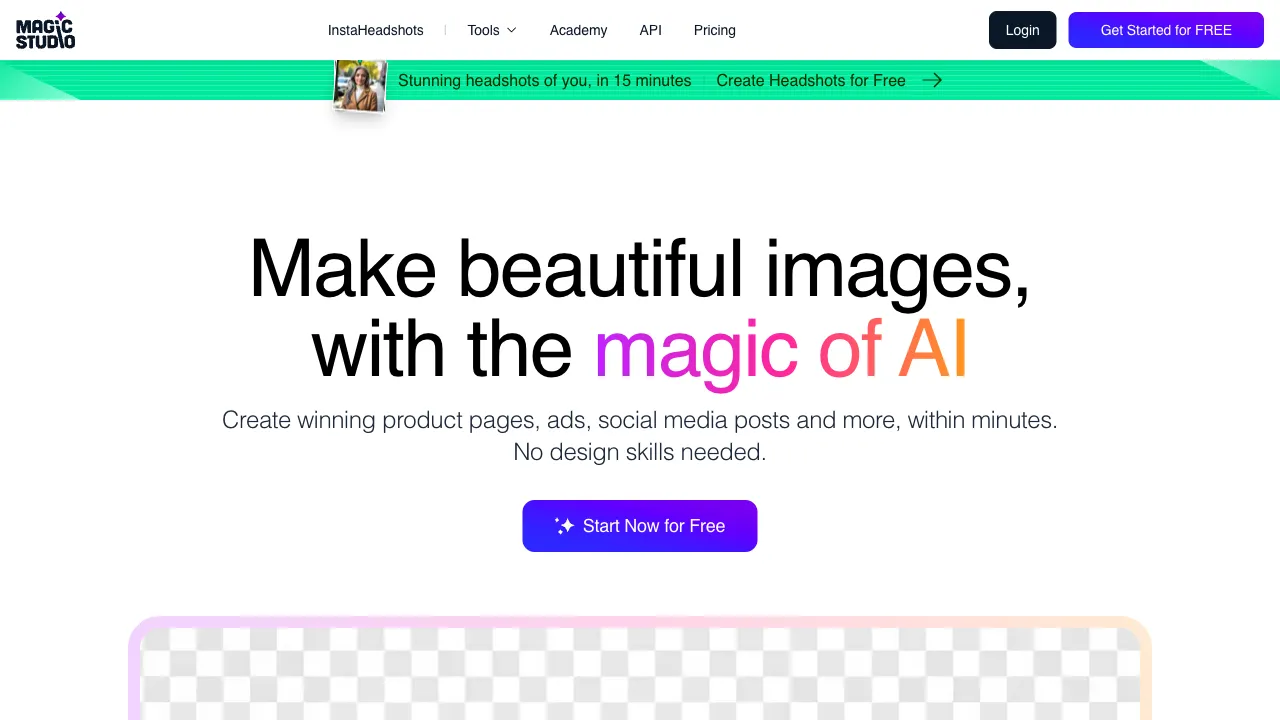
Magic Studio (magicstudio.com) is an AI image-editing toolkit composed of several independent, single-purpose tools: object removal (Magic Eraser), background removal, AI professional headshot generation, image enhancement, and product photo beautification. Its product philosophy is radical minimalism—each tool has its own page, one upload box, and one result. There are no tutorials or adjustable parameters; it serves users who simply want to get one thing done.
Core Features
Magic Eraser: The Breakout Hit
Upload an image, paint over the content you want to remove (passersby, clutter, watermarks, power lines), and let AI fill in the inferred background, making the target appear as if it never existed.
The quality distribution follows the same pattern as all inpainting tools: simple backgrounds (sky, grass, walls) are nearly flawless, natural textures look good, but regular patterns (brick walls, text signs) often reveal artifacts, and large-area removals see a drop in quality. Its strength lies in making this experience exceptionally smooth—dragging the image, painting, and generating results takes under a minute, exactly what you’d expect from a “tourist photo savior.”
Background Removal
One-click cutout with transparent background output, supporting common subjects like people and products—a standard feature for toolkits. The quality is mainstream; while it may not be the absolute best when competing directly with specialized tools like remove.bg or PicWish, its convenience for chaining with other features within the suite is its real advantage.
AI Professional Headshot (Headshot Generator)
A recent growth driver: upload a few casual selfies, and AI generates studio-quality professional headshots—suits, solid backgrounds, professional lighting—the kind used on LinkedIn, resumes, and corporate websites.
The real pain point here is cost mismatch: a professional portrait shoot costs hundreds of dollars, yet most people just need “a professional-looking headshot” to display online. The AI solution drives the cost down to a fraction, with results more than sufficient for online use—this is the logic behind the global explosion of AI headshot products, and Magic Studio is one participant in that trend.
Image Enhancement
Standard AI super-resolution applications: sharpening blurry photos and upscaling low-resolution images, rescuing old photos and out-of-focus shots.
Product Photo Tools
A combination of background removal, background generation, and image quality optimization for e-commerce, helping small and medium sellers quickly produce usable product images.
Comparison with Similar Tools
vs Cleanup.pictures / Inpaint-web: Direct competitors in object removal—Cleanup is equally easy to use, while Inpaint-web is open-source, free, and processes locally (a strong privacy advantage); Magic Studio’s removal quality is in the same tier, with its advantage lying in the breadth of features within the suite. If you only need removal, all three work; if you also need headshots and enhancement, the suite is more convenient.
vs PhotoRoom / Pixelcut: Specialists in e-commerce image pipelines, with deeper templates and batch-processing capabilities, aimed at sellers who treat image processing as an assembly line; Magic Studio leans more toward casual needs of individual consumers, offering lightweight, on-demand usage.
vs Remini / Dedicated Headshot Apps (e.g., PhotoAI): Vertical headshot products dig deeper into portrait generation quality and style variety; Magic Studio’s headshots are just one feature within a toolkit, sufficient for general use. Users with extremepicky (picky) standards for headshot quality should compare vertical products.
vs Canva: Canva is a design platform that happens to offer AI editing; Magic Studio does the reverse—editing only, no design. Users already embedded in Canva can use its built-in features; those who just want to edit one image will find single-purpose tools faster.
vs Photoshop: The eternal benchmark—both its capability ceiling and learning curve are towering. The entire reason this category exists is so people don’t have to spend three months learning software for a five-minute task.
Who Should Use Magic Studio?
Ordinary users without design skills: For “life-level” image needs like removing eyesores from photos, needing transparent backgrounds, or wanting a professional headshot—this is its home turf as a zero-barrier outlet.
Job seekers and professionals: A quick solution for LinkedIn/resume headshots, producing usable results in minutes, saving the time and budget of booking a studio shoot.
Lightweight e-commerce sellers: For product photo background removal and beautification; sufficient with this toolkit before scaling up, after which you can upgrade to professional pipelines.
Travel photography enthusiasts: The classic use case for Magic Eraser on tourist photos—the salvation for crowded scenic spots.
Usage Tips
When removing objects, paint over their shadows and reflections as well; this is the first rule for natural-looking results. For complex backgrounds, generate multiple times and pick the best one.
The quality of AI headshots heavily depends on input photos: feed in selfies with multiple angles, good lighting, and clear facial features for stable results. Also remember that AI headshots involve “beautification distortion”—if the result looks too different from reality, using it in job applications can backfire upon meeting in person. Choose the version closest to your actual appearance.
Photos are uploaded to the cloud for processing; be mindful of this if you handle privacy-sensitive images (for local solutions, see tools like Inpaint-web).
Pricing
The free tier offers limited access to basic features; paid subscriptions unlock HD exports, unlimited usage, and full functionality (AI headshots are typically a paid feature). Check the official website for specifics.
The simplest way to evaluate tools like Magic Studio is to ask: Do you currently have a photo in your phone that’s “almost perfect”? If yes, throw it in and try it—the entire value of this category is condensed into that one minute of “wow, it really disappeared.”