

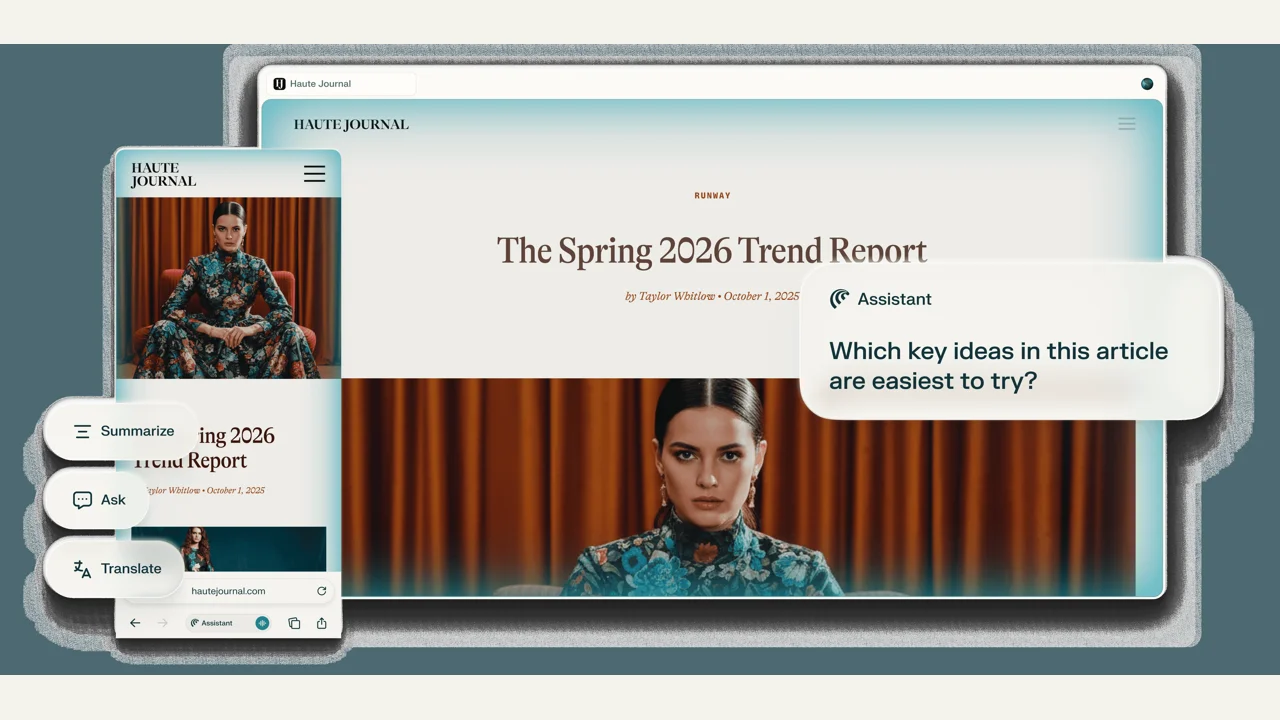
Perplexity Comet is an AI browser combining search, page understanding and assistant tasks. The website currently lists macOS, Windows, iOS and Android. It relates to the Perplexity answer service, but browser sessions and action permissions make it worth evaluating separately.
Working with web material
Official examples include comparing information, drafting emails, planning study and helping with shopping. Start with reading, organizing and drafting, then verify sources against actual pages. Before clicks, form submissions or account actions, check capabilities in your current client and account. Download availability on four platforms does not imply feature parity.
We recommend it for traceable web research rather than handing over purchases or external submissions immediately. Open original sources to verify context; an answer alone does not establish that every citation is correct.
Pricing and permissions
The Comet browser is free to download; Perplexity subscriptions, some advanced capabilities and usage limits are separate. Free installation does not mean unlimited access to every agent function.
Choose the platform from the official site, then review account access, permissions and usage information. Website terms and account restrictions still apply. Mainland connectivity, registration and payments have not been verified by this site.
Prompt injection and signed-in sessions
Brave published research on indirect prompt injection in Comet: hostile instructions in webpage content could be treated as action requests. This historical finding does not establish that every current release retains that specific vulnerability. It demonstrates why an assistant working across pages needs to distinguish your authorization from page text.
Our recommendation is to test with a separate browser profile or low-privilege account, initially excluding sensitive mailboxes, administration panels and payment accounts. Review extensions and privacy settings, retain approval for sending, buying and account changes, and stop activity that departs from your task. Reading a page and operating a signed-in page are different permissions.
For ongoing cross-app work compare ChatGPT Dots; for a self-managed host consider OpenClaw. Evaluate actual task fit and permission boundaries rather than assuming every site supports automation.