

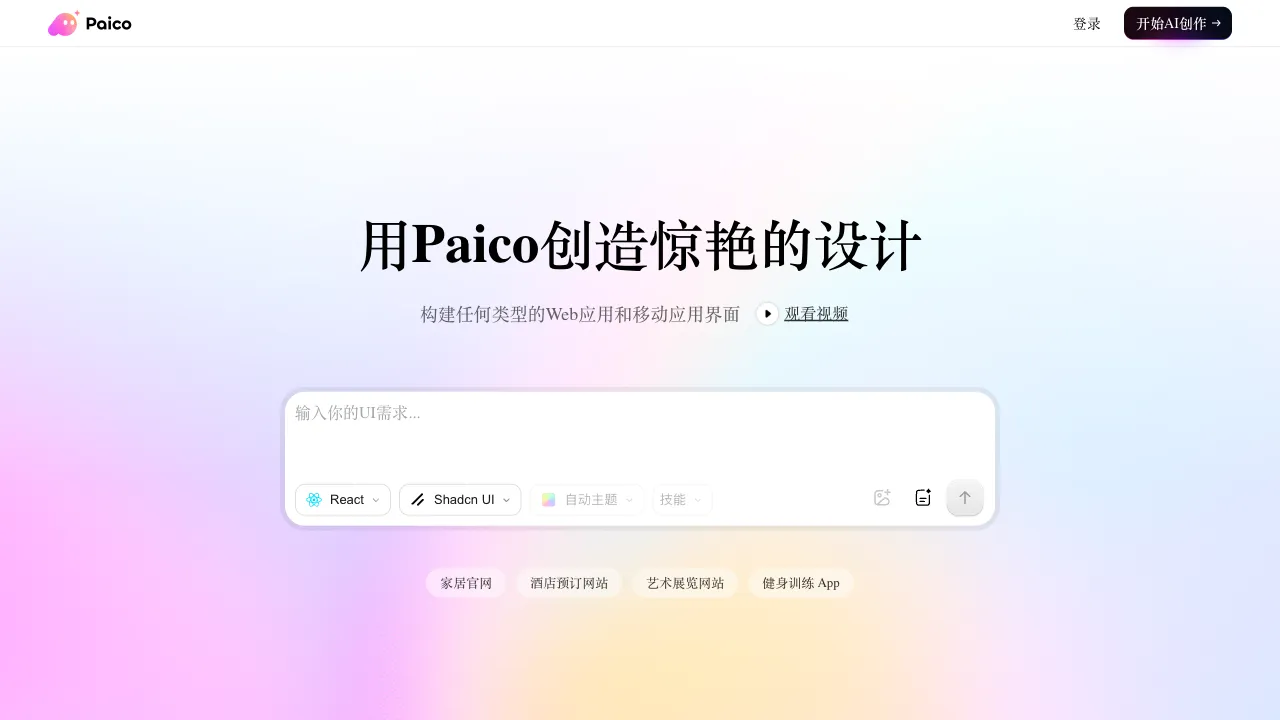
The starting point of product design is often the most painful part. You have a vague idea in your head, but turning it into a discussable design mockup requires opening a design tool and building it component by component, or sketching on paper first before translating it into a digital interface. This process is slow and prone to getting stuck on details, causing the initial idea to lose its sharpness through repeated iterations. Pixso AI aims to solve the first half of this problem: describe your intent in one sentence, and directly generate an editable UI design mockup.
What Is Pixso?
Pixso is a collaborative design tool launched in China, positioned as a domestic alternative to Figma. It supports full-process features including UI design, prototyping, design reviews, and multi-person collaboration. AI Design Generation is Pixso’s core exploration in the direction of AI capabilities: users input natural language descriptions (e.g., “the homepage of a food delivery app with a bottom navigation bar”), and the AI automatically generates the corresponding UI page draft, including layout, components, text, and color schemes. The result appears directly on the Pixso canvas and can be edited immediately.
Core Features of AI Design Generation
Text-to-UI Generation
Describe the interface you want in Chinese, and the AI will generate the corresponding design mockup. The more specific your description, the closer the generated result will match your needs. For example:
- “A personal center page for a fitness app, displaying exercise data, training records, and settings entry points, with a dark theme”
- “A data dashboard for an enterprise SaaS product, including line charts, pie charts, and key metric cards”
- “An e-commerce product detail page, including a carousel, price, specification selector, and ‘Buy Now’ button”
The AI generates complete pages containing real components (buttons, cards, navigation bars, icons, etc.), not just wireframe placeholders. The output has visual design polish.
Directly Editable Output
Unlike many AI image generation tools, Pixso AI does not generate images; it generates editable design files. Every element, text segment, and color can be modified directly. The AI-generated mockup is a starting point, not an endpoint—designers can adjust the AI’s output rather than starting from scratch.
Component-Level Generation
In addition to generating entire pages, Pixso AI supports generating specific UI components: navigation bars, cards, forms, pop-ups, empty state pages, etc. For scenarios where you have an existing design framework but are missing a specific module, generating a single component directly is more practical.
Style Reference Generation
You can specify a design style direction: flat, skeuomorphic, minimalist, gradient, glassmorphism, etc. The AI will match the corresponding visual style during generation. Pixso also supports uploading reference images to generate variants based on them, which can sometimes be more direct than relying solely on text descriptions.
Pixso’s Overall Design Features
Pixso AI Generation is built upon Pixso’s complete design tool ecosystem, and the generated mockups are used within this system:
Canvas and Components: Infinite canvas with support for Auto Layout, component-based design, and Variants. The workflow is highly similar to Figma, so designers with Figma experience hardly need to relearn anything.
Prototyping and Interactions: Define interaction logic such as click-to-navigate, scrolling, and hover states on the design mockup to generate clickable prototypes. Share these with developers or product managers to demonstrate effects.
Design Reviews: Share design mockup links with non-design stakeholders. They can view them directly in a browser, add comments, and annotate issues without needing to install any design tools.
Design Handoff: Automatically generates annotations for dimensions, spacing, color values, and font information. Developers can view these annotations to obtain precise values, reducing communication friction.
Multi-Person Collaboration: Supports multiple people editing the same file simultaneously with real-time synchronization, suitable for design team collaboration.
Resource Library: Built-in UI component libraries that support team-shared design systems to maintain consistency in product design.
Comparison with Other Tools
vs Figma + Plugins: Figma is the global standard for design tools with the richest plugin ecosystem, including various AI-assisted plugins. Pixso’s advantages are stable access within China, lower pricing, better Chinese language support, and native integration of AI generation capabilities without relying on third-party plugins.
vs MasterGo AI: Also a domestic Figma alternative, MasterGo’s AI features compete closely with Pixso’s. MasterGo leans more toward large enterprise clients, while Pixso has broader adoption among small/medium teams and individual designers. The features are highly similar; the actual choice often depends on team habits.
vs JsDesign (JiShi SheJi): JsDesign is another mainstream collaborative design tool in China with AI capabilities. All three (Pixso, MasterGo, and JsDesign) are filling the gap for domestic Figma alternatives. The differences lie in the depth of their AI features and their respective community ecosystems.
vs Adobe Firefly: Adobe’s AI generation focuses more on image and asset creation, not UI interface design. Pixso AI generates UI components and pages directly, serving a different use case.
vs Using ChatGPT for Design Assistance: AI chat tools can help you brainstorm solutions, write copy, and describe design concepts, but they cannot generate editable UI files. Pixso AI outputs design files directly, eliminating the intermediate translation step.
Who Is Pixso AI Design Generation For?
Product Managers and Stakeholders: If you want to quickly validate an interface concept but don’t know how to use design tools, you can use Pixso AI to generate a “viewable” draft for discussion. This is much clearer than hand-drawn sketches and faster than waiting for a designer’s schedule.
Independent Designers and Freelancers: Quickly generate multiple design directions for new projects. Let clients choose a direction from the AI-generated versions, then refine it further to improve proposal efficiency.
Junior Designers: If you have a good sense of design but lack speed, AI-generated mockups can serve as a starting point. Adjusting existing work is much faster than drawing from scratch and allows you to learn from the AI’s layout logic.
Prototyping Needs: If you need to quickly build a clickable prototype for user testing or investor presentations, AI generation is several times faster than manual construction.
Full-Stack Developers: If you are developing a product yourself but lack a design background, use AI to generate a “good enough” design mockup to solve the problem of going from nothing to something. You can later hire professional designers for optimization.
Practical User Experience
The quality of AI-generated design mockups is strongly correlated with the precision of your description. A vague prompt like “an app homepage” will produce a generic result. In contrast, a detailed prompt like “the homepage of a pet health record app: top section displays the pet’s avatar and name, middle section shows recent health data cards (weight, vaccinations, deworming), bottom section has a quick-add record button, with bright and warm color scheme” will yield a much more targeted result.
Spending one minute writing a clear description can save thirty minutes of building from scratch—that is the essence of how AI generation tools change workflows.
Limitations
AI-generated design mockups lack the visual precision of hand-crafted designs by senior designers, particularly in detail handling and brand consistency. AI generation is better suited for solving the problem of “going from zero to one” rather than the refinement process of “going from good to excellent.” For complex multi-page applications, while AI can generate individual pages, maintaining design system consistency across the entire product still requires manual maintenance.
Pricing
Pixso offers a free tier that lets you experience its AI generation features, though with usage limits. The Professional plan provides more AI generation credits and full collaboration capabilities. For exact details, refer to the official website; pricing in China is notably more competitive than Figma’s.
For designers and product teams who need a stable design tool within China while exploring AI-accelerated workflows, Pixso is definitely worth trying out.